Client reporting for marketing agencies
Automated client reporting that keeps clients.
Set it up once. Every month a branded report builds itself, waits for your review, and your client approves it on the page. Retention on autopilot.

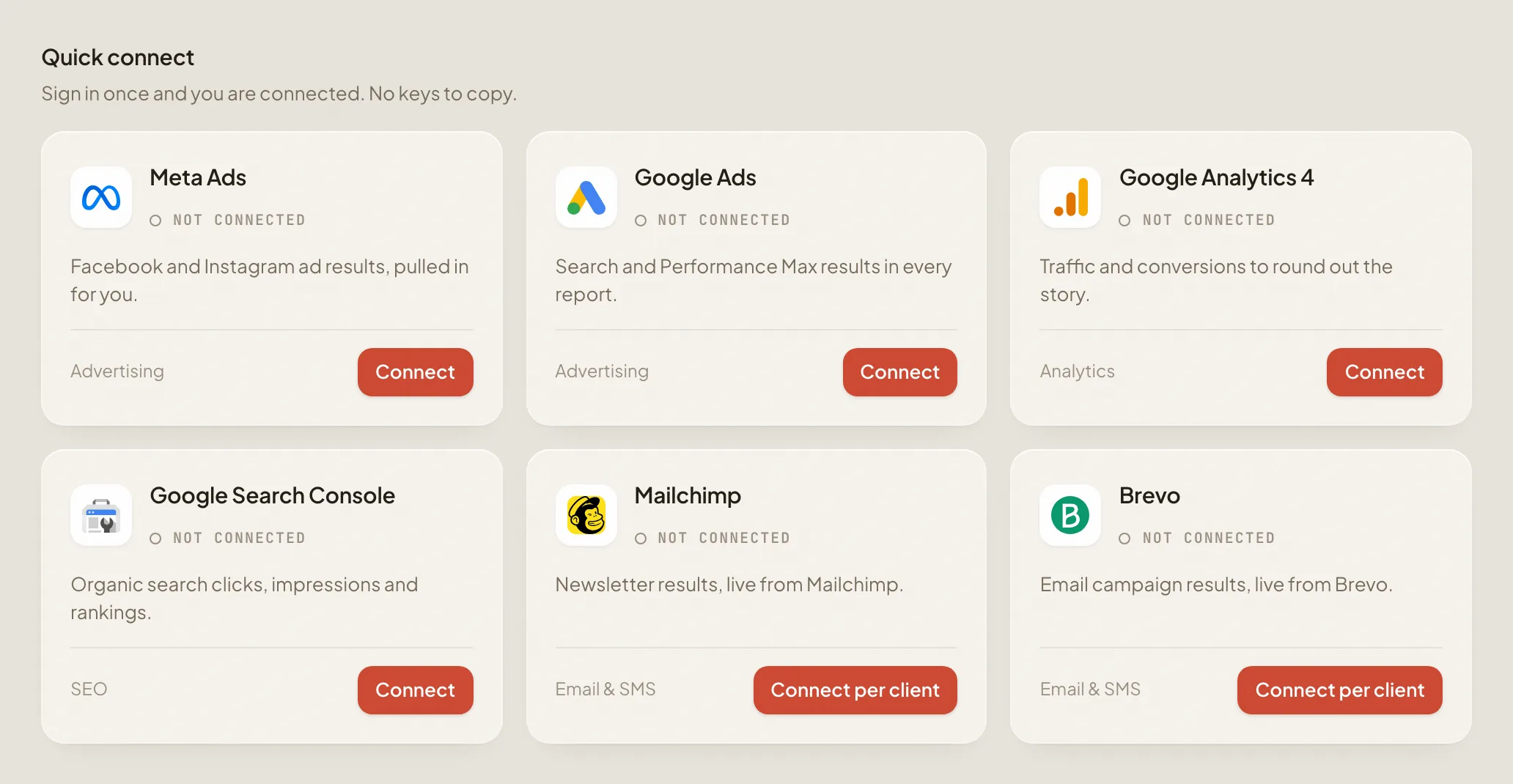
Works with the accounts you already run.
 Meta Ads
 Google Ads
 Google Analytics
 Search Console
 Mailchimp
 Brevo
 Google Sheets
Or paste your numbers straight in.
Every report tells you where it stands.
No more sending a PDF and wondering. You see who has not opened it, who has seen it and who has approved, so you never chase.

Your client approves, right on the report.
One private link. No login, nothing to install. They read it, leave a note if they like, and approve it with one click. Their name and the date land in your workspace the same second.
Happy with this report?
One click tells Fusion Marketing you're happy with it. Your name and today's date are kept with the report.
Approved. Thank you.
Your approval has gone straight through to Fusion Marketing.

Who approves your reports: your staff, or your client? And can they do it without a login?
As of October 2026 we could not find another major client reporting tool that lets the client comment and approve on the report itself. We check monthly and will say so here if that changes.
Set it up once. It runs every month.
Connect an account and pick a day. From then on the report turns up built and waits for you. Your first one takes minutes.
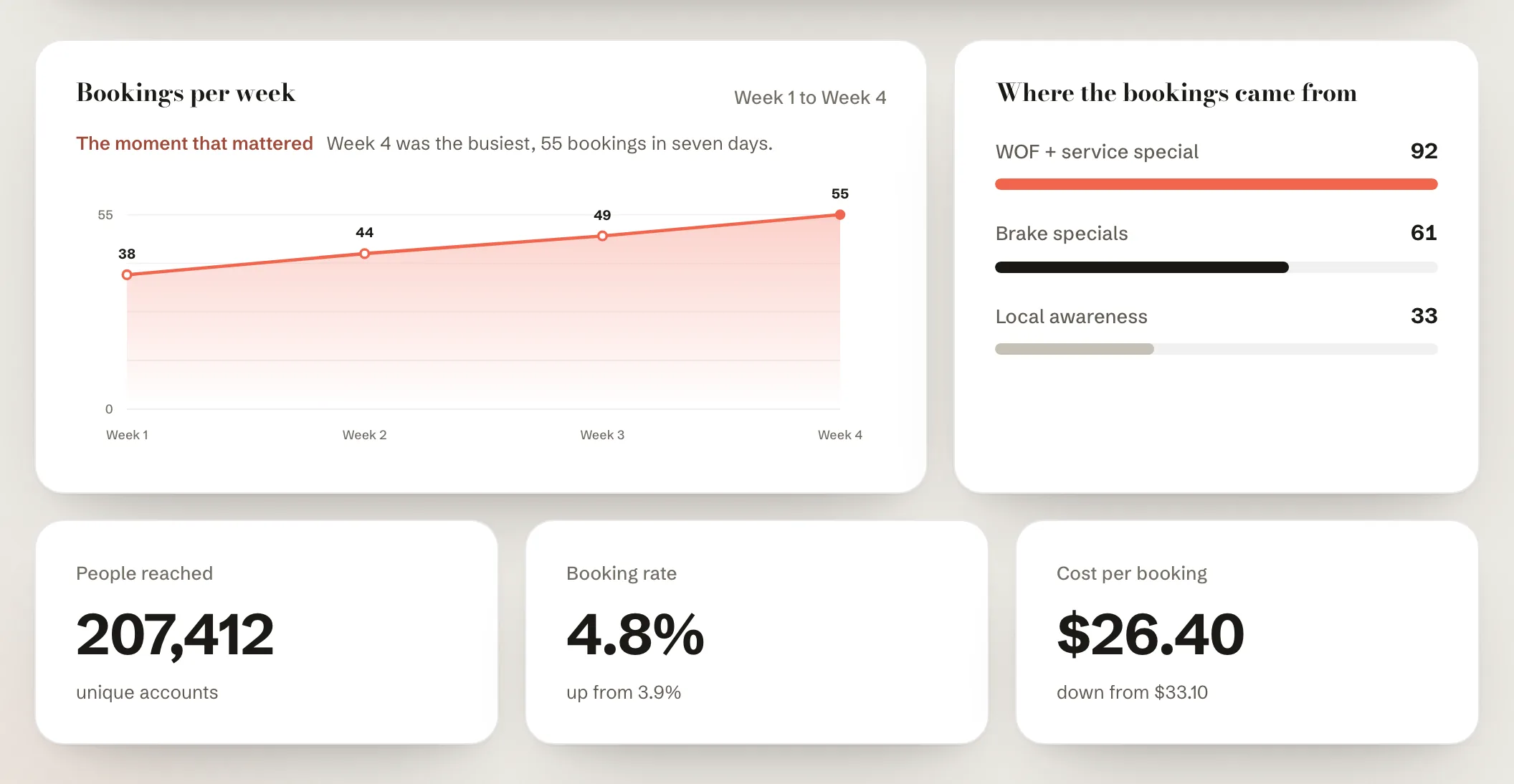
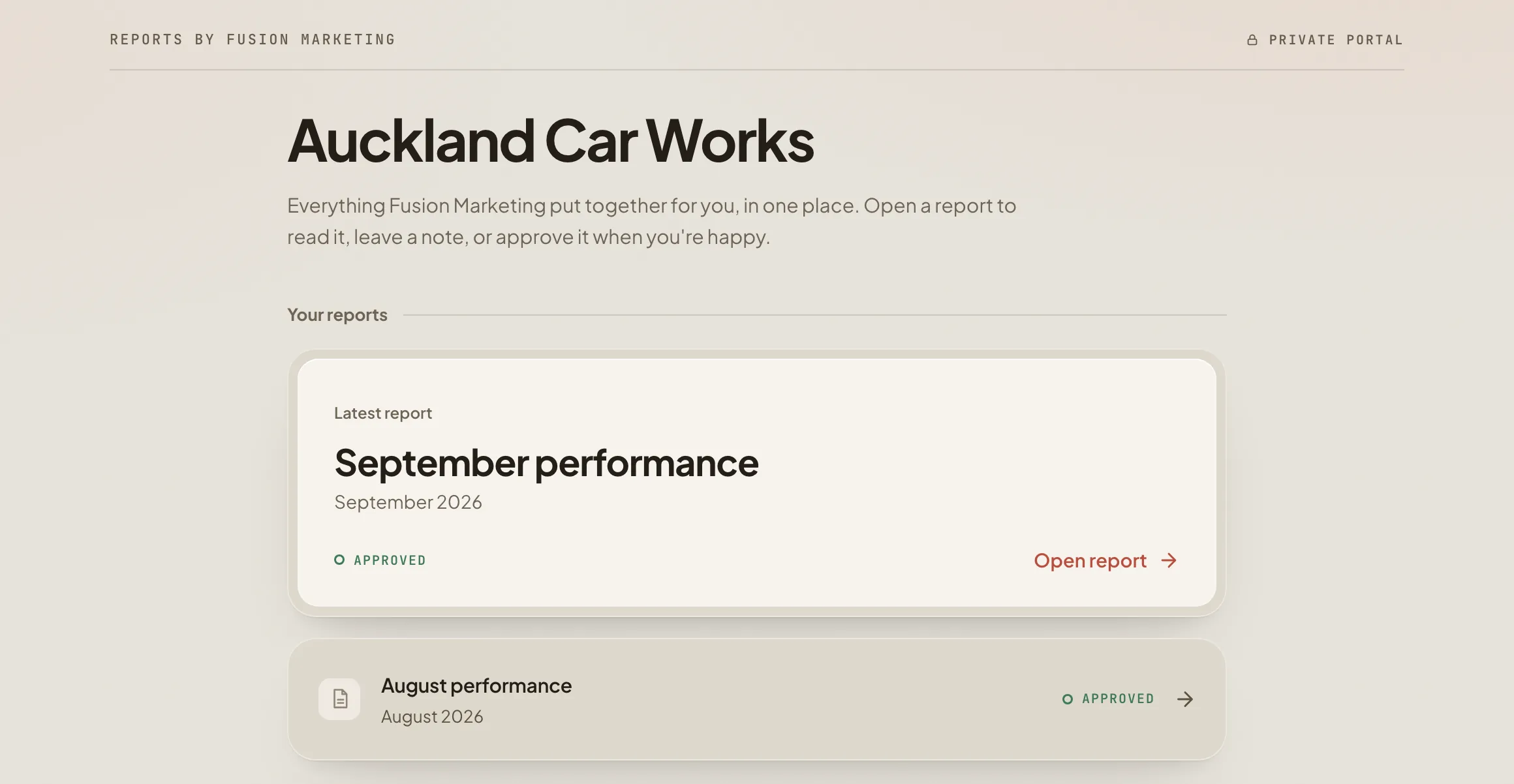
Look established from the first report.
Designed report styles, each one in your client's brand colours and your voice. Same numbers, a different story for each client. On Studio and above, send it from your own domain so the only name they see is yours.
See every style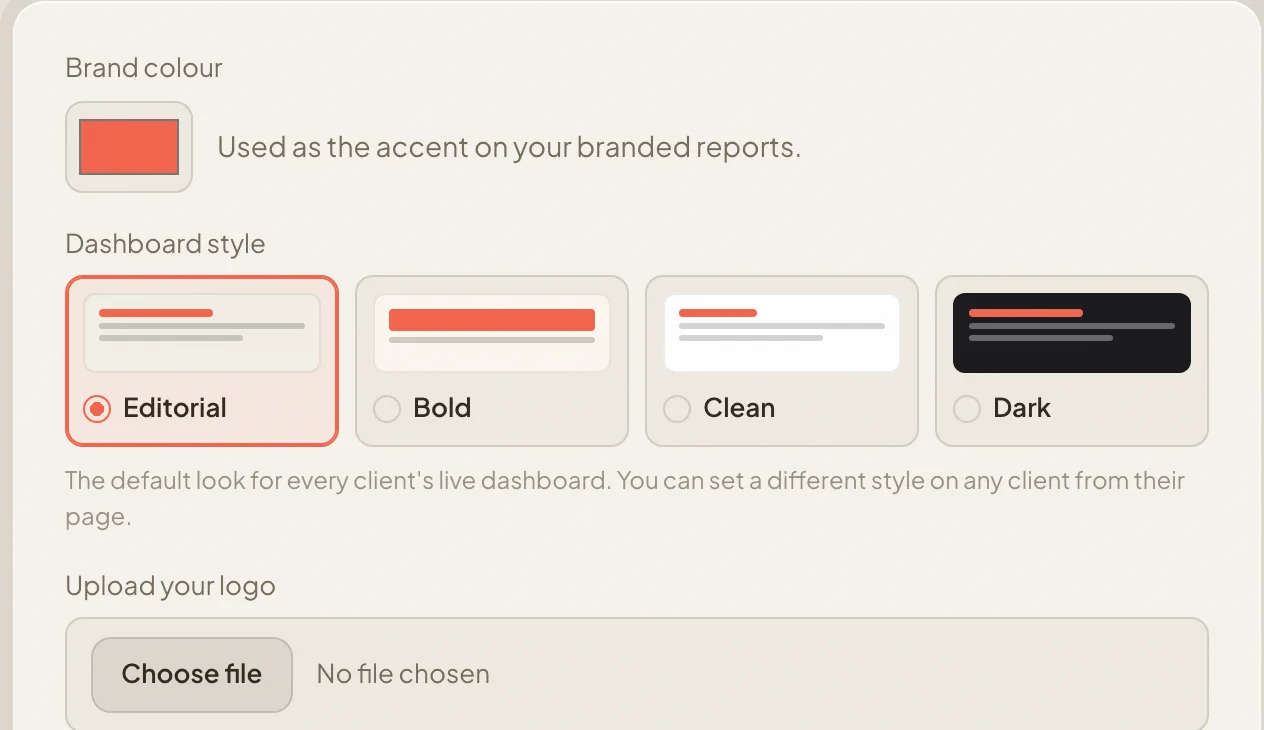

Spend the time on clients. The reports build themselves.
Reporting used to eat days every month. Now every client's report builds on the schedule you set, weekly or monthly, and waits in your queue. Read it, approve it. The hours go back into the work clients pay you for.
- Weekly or monthly
You pick the rhythm per client. It holds it.
- Every client, one calendar
See what is building, what is waiting for you and what has gone out.
- Review it, or autopilot
Approve each report before it sends, or let it send automatically. Your choice, and you can set it per client.

The email is written before you open it.
Every report comes with its send email drafted in your voice, link inside. Read it, change a line if you want, send. That is the whole job.

Keeping a client costs less than winning one.
Clients rarely leave because the work was bad. They leave because they stopped seeing it. A sharp report every month, in plain language, with the numbers they actually care about, keeps the work in front of them.
They see the work
Every month, in their words, the result they care about: bookings, enquiries, sales. Not impressions.
They feel looked after
A designed report in their brand, on time, every month. They never have to ask where it is.
They say so, in writing
Their name, the date, approved. Twelve of those a year makes the renewal conversation a short one.
The agencies that keep clients are the ones clients can see.
“We use it to save hours each month and see clearly what worked.”
 Gordon, Capability Solutions
Capability Solutions is a client of Fusion Marketing, the Dunedin agency that built ClientDeck.
One flat monthly price.
Client approval, scheduling and every connector come with every plan. Higher plans add clients, seats, premium styles and your own domain.
2 clients, 8 reports a month.
5 clients, 20 reports a month, 2 seats.
25 clients, 60 reports a month, 5 seats, premium styles and your own domain.
Unlimited clients, 150 reports a month, unlimited seats, full white label.
Prices are in NZD plus GST. Compare every plan
Questions we get asked.
Do our clients need a login?
No. Your client gets one private link. They read the report, leave a note if they want, and approve it. Their name and the date are kept with the report. Nothing to install, no password to forget.
Can we review reports before they send, or set them to send on their own?
Both, and you choose per client. In review mode a scheduled report builds and waits for you: you read it, change what you like, and approve it, and only then does it send. On autopilot it sends automatically on the day you set. Either way your client gets one private link and approves it.
We are not a paid ads agency. Does it still fit?
Yes. ClientDeck reports on whatever you connect: Meta Ads, Google Ads, Google Analytics, Search Console, Mailchimp, Brevo or Google Sheets, or numbers you paste in. Paid, search, email or content, the report and the approval work the same way.
Is it safe to connect our accounts?
Access is read only. ClientDeck reads your results and never changes a campaign or a setting. Each agency's data is kept apart, and each client sees only their own report. We are a verified Meta tech provider.
What does it cost, and can we cancel?
Plans start at NZ$49 a month, billed monthly in New Zealand dollars plus GST, with a proper GST invoice you can claim. No contract, cancel any time. Once you are approved, the trial is seven reports across seven days with no card, so there is nothing to cancel if it is not for you.
How long does it take to set up?
Minutes. Sign in to one account, read the first draft, send the link. No code.
Send one real report to yourself today.
Sign in to one account and ClientDeck builds the report from your real numbers. Open it and approve it, the way your client would. You will see exactly what they see before any client does.